
Starter Questions
Starter questions are the suggestions a visitor sees before they type anything.
Regenerating them and adding your own, in 39 seconds:
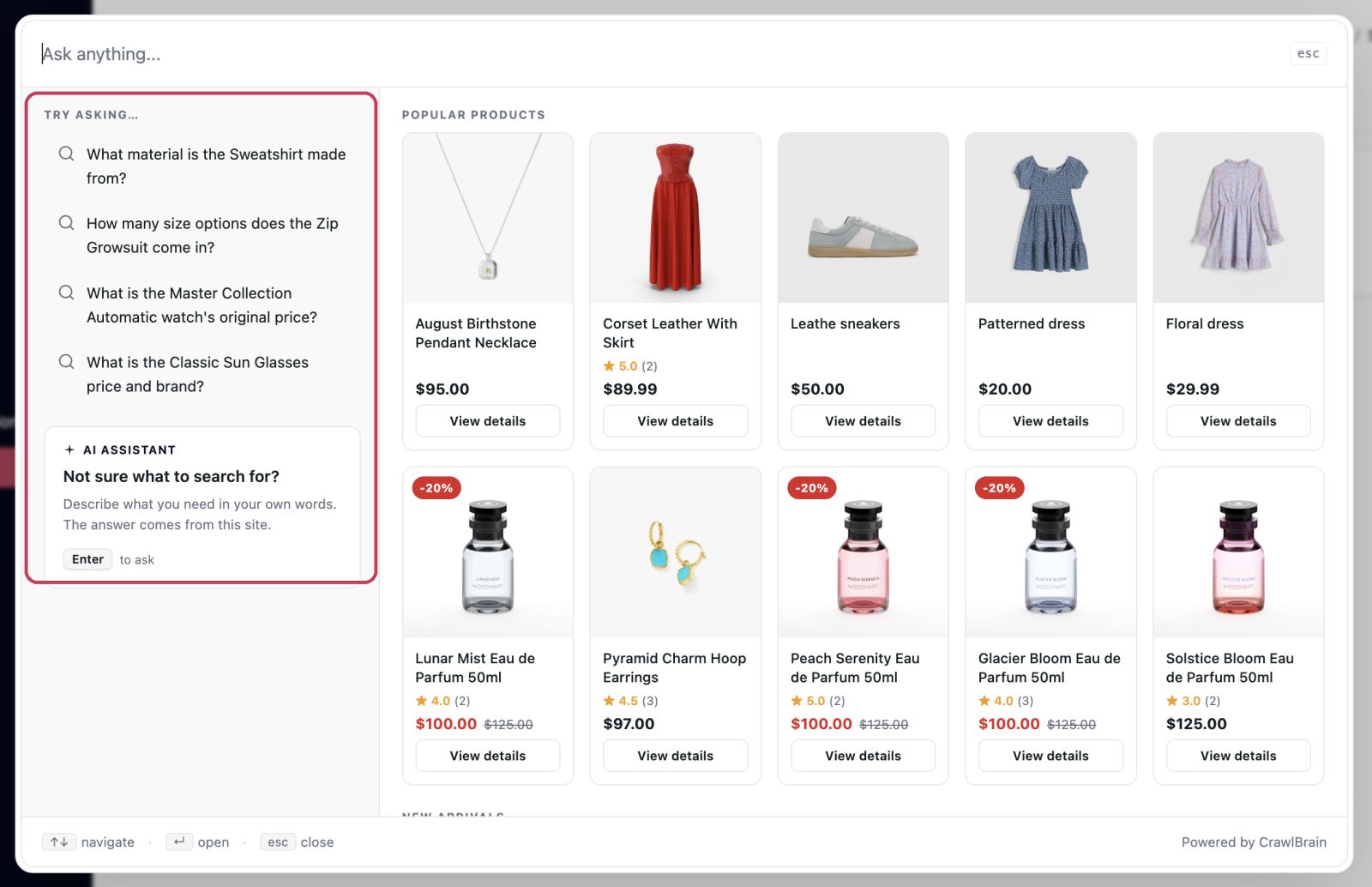 This is what starter questions look like to a visitor: a Try asking list, at the top of the panel, before a single character is typed.
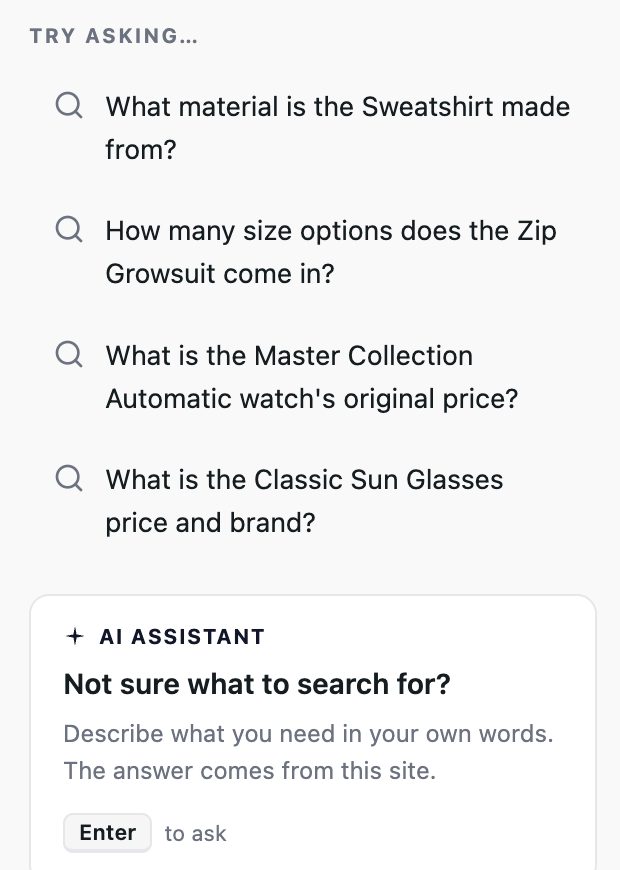
An empty search box is a blank page. Three good starter questions tell a visitor what this thing is for and get them asking, instead of closing the tab.
Open Search Widget → Starter Questions.
Autopilot
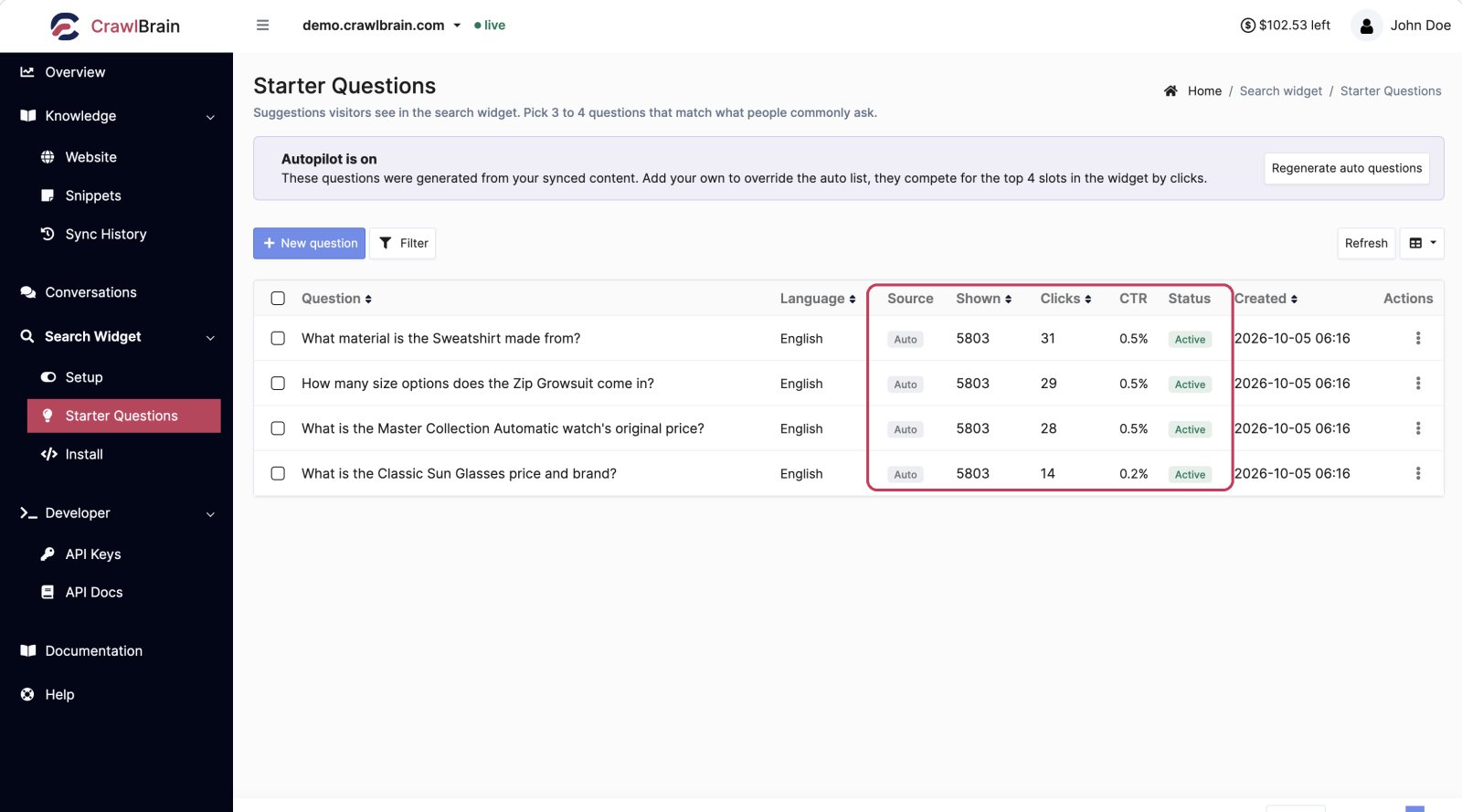
CrawlBrain generates starter questions from your synced content, refreshed automatically.
That is why this screen already has content on it the first time you open it. You do not have to write anything for the widget to look finished.
Auto questions carry an Auto tag in the Source column. Regenerate auto questions runs a fresh pass immediately, which is worth doing after a big content change.
Adding your own
To add one, click New question, then type the question and save it.
Your own questions compete with the auto ones for the top four slots in the widget, and clicks decide the order: a question people actually click rises, and one nobody clicks sinks.
You do not have to delete the auto ones to promote yours. Add yours and let the click data sort it out.
The columns
| Column | Meaning |
|---|---|
| Question | The text shown in the widget |
| Language | Which language's widget it appears in |
| Source | Auto if generated, blank if you wrote it |
| Shown | Impressions |
| Clicks | How many visitors clicked it |
| CTR | Clicks divided by shown |
| Status | Active questions are eligible for the widget |
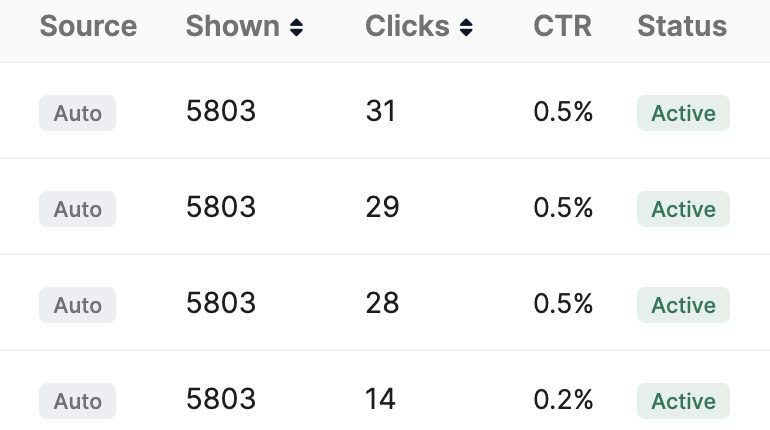
Sort by CTR to see what is working. Sorting by Shown brings up the questions that get plenty of airtime and waste it, because nobody clicks them.
Writing ones that get clicked
Ask what your visitors ask. Open Conversations → Searches, sort by frequency, and read the top twenty, which are the real questions in your visitors' own wording. Turn the top three into starter questions.
Be specific. Do you ship to Canada? beats Shipping information, because a specific question looks answerable while a vague one looks like a menu item.
Cover different intents. Pair a buying question with one about support and another about policy. Four variations of the same shipping question waste all four slots.
Keep them short. They render as chips, and long ones truncate on mobile.
Match how people actually type. Write them in lowercase and informally, without making them full sentences: how do I cancel? is closer to reality than How may I cancel my plan?.
Examples worth copying
| Site type | Starter questions |
|---|---|
| Store | Do you ship to Canada? / What is your return window? / Is this in stock? |
| SaaS | Does it integrate with Slack? / How do I reset my password? / What is on the free plan? |
| Docs | How do I install it? / What are the API rate limits? / How do I authenticate? |
| Services | How much does it cost? / How long does it take? / Do you work with my industry? |
Multiple languages
Each question has a language. Questions only appear in the widget when the visitor is on that language.
Set your top three in each language you actually serve. Conversations → Searches has a Top country card that tells you which languages those are.
Managing the list
The row menu edits, activates, deactivates, or deletes. Checkboxes plus the bulk bar do the same for a selection.
Deactivating is safer than deleting. The question stops appearing but keeps its history, so you can switch it back on and compare.
Reviewing them
Go through the list once a month:
- Sort by CTR ascending. Deactivate anything with a lot of impressions and no clicks. It is taking a slot from something better.
- Open Conversations → Searches and check whether the top real questions are represented.
- Regenerate the auto ones if you published a lot since last time.