
Sync Settings
Sync Settings control how CrawlBrain reads your website. Open Knowledge → Website and click the gear icon on the site's row.
The screen has two tabs, and most people never change either one.
Both tabs in a 62-second video:
General
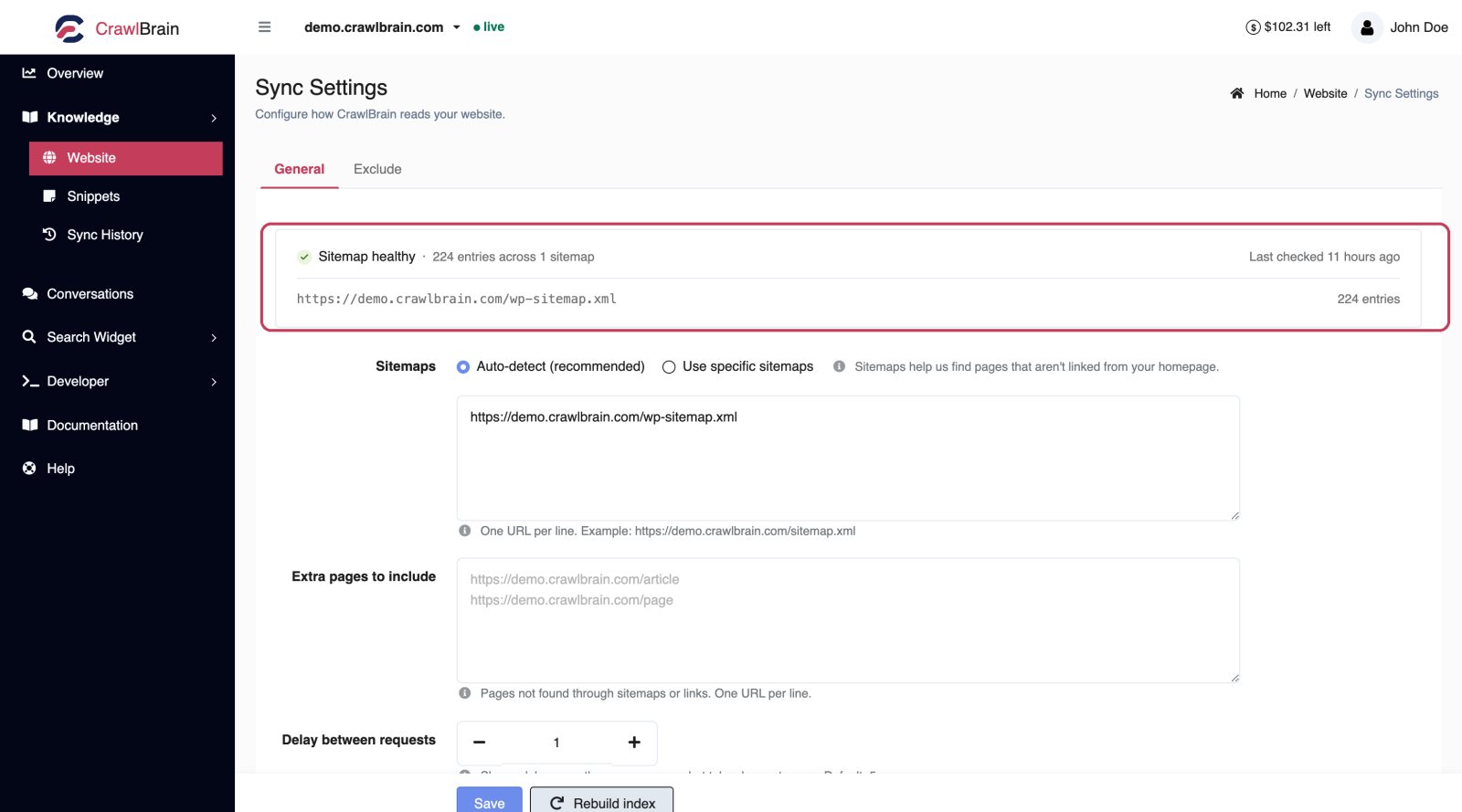

Sitemap health
The strip at the top is a live check, not a setting: it shows each sitemap CrawlBrain found with the number of URLs in it, plus when CrawlBrain last looked.
If it says your sitemap is missing or empty, fix that first. A site with no sitemap can still be crawled through links, but sitemaps are how CrawlBrain finds pages nothing links to, and those are usually the ones your visitors search for.
Sitemaps
Auto-detect is the default and the right answer for most sites. CrawlBrain checks robots.txt and the usual locations.
Switch to Use specific sitemaps when your sitemap lives somewhere unusual, or when you want only part of your site indexed. Enter one URL per line:
https://example.com/sitemap.xml
https://example.com/kb/sitemap.xml
Sitemap index files are followed automatically, so listing the index is enough.
Extra pages to include
Use this for pages that are not in any sitemap and are not linked from anywhere CrawlBrain can reach, one URL per line.
Landing pages and print-only policy pages are the usual candidates, along with anything behind a "load more" button.
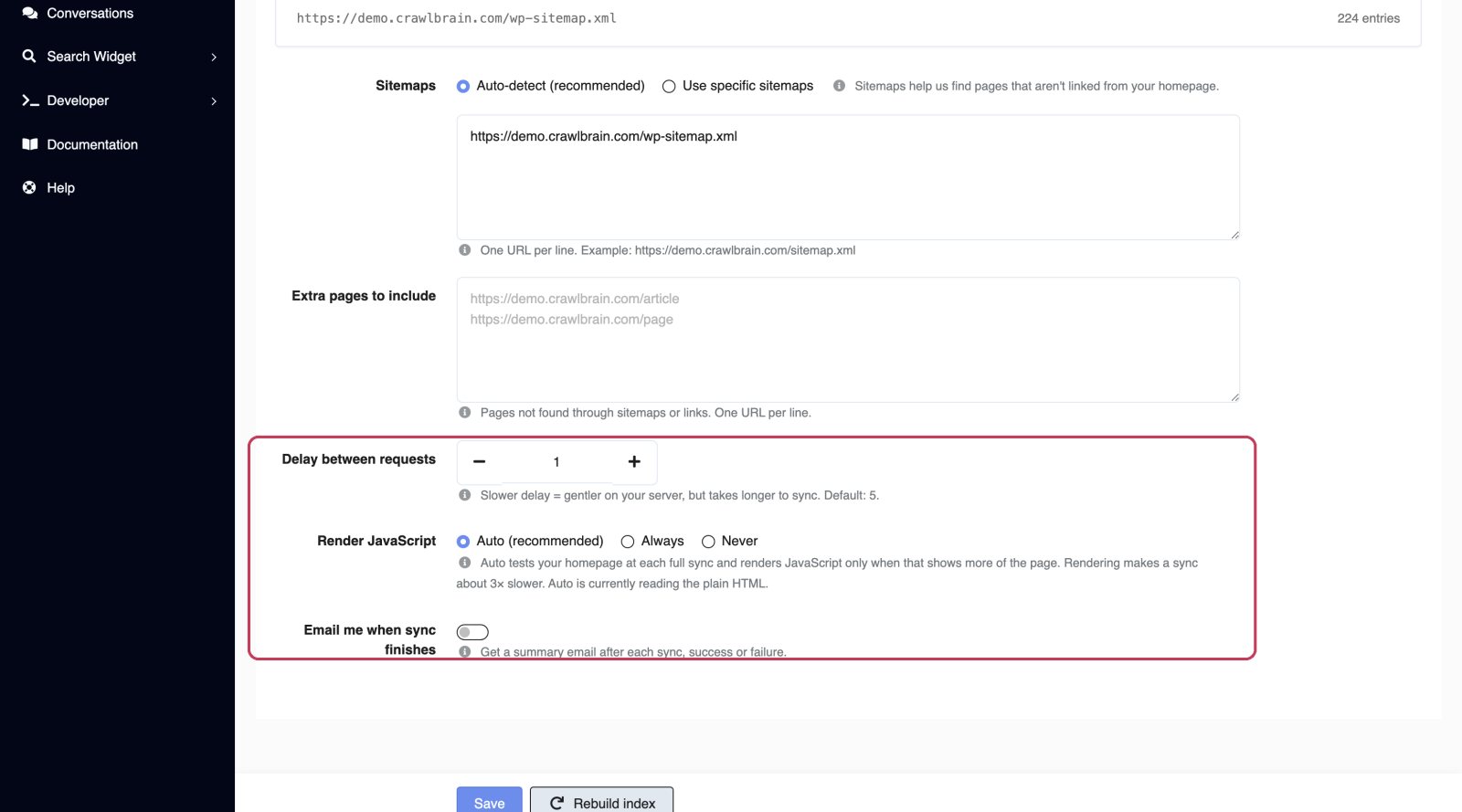
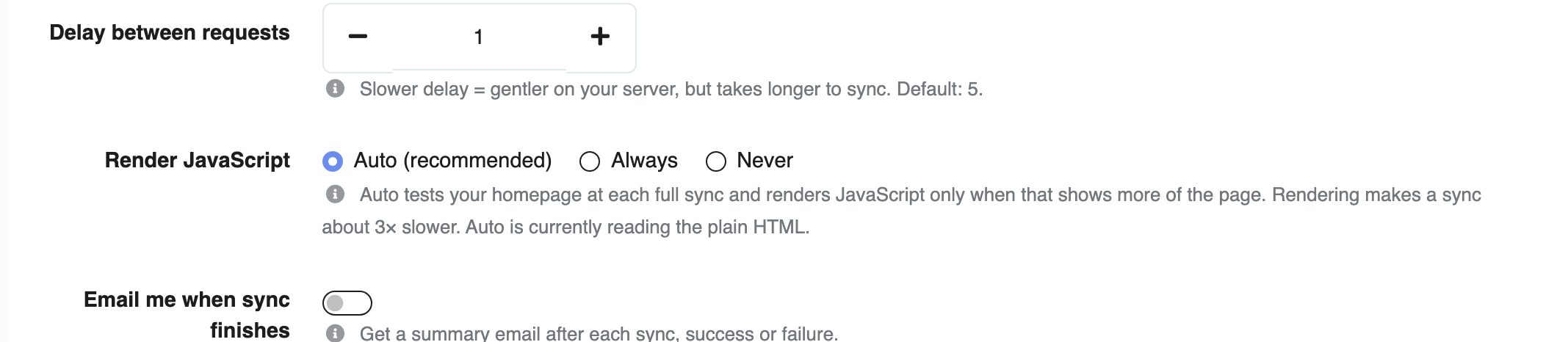
Crawl speed
This sets how many pages CrawlBrain fetches from your site at once. The default is 2 pages at a time.
| Option | Use it for |
|---|---|
| 5 pages at a time | Your own servers or a CDN in front of the site. The fastest sync |
| 3 pages at a time | Managed hosting with headroom |
| 2 pages at a time | Most sites |
| 1 page at a time | Small or busy servers |
| 1 page every 2 seconds | Hosts that rate-limit, or timeouts in Sync History |
| 1 page every 5 seconds | Strict rate limits, or 429 errors that a slower speed has not fixed |
Faster finishes sooner but puts more load on your server. If a firewall starts blocking the crawler during a sync, CrawlBrain drops to 1 page at a time for the rest of that sync on its own and notes it in Sync History. The next full sync starts at your chosen speed again.
Render JavaScript
This setting is off by default. Turn it on if your content is built client-side with a framework such as React or Vue and CrawlBrain is storing mostly empty pages. The tell is pages that sync with a 200 status but almost no text.
It roughly triples sync time, so leave it off unless you actually need it. Most sites, including every mainstream CMS, render their content server-side and do not.
Email me when sync finishes
This sends a summary email after each sync, whether it succeeded or failed, and it is off by default.
It helps while you are setting things up and gets noisy once you are live. The switch is per website; account-wide email preferences live in Notifications.
Exclude
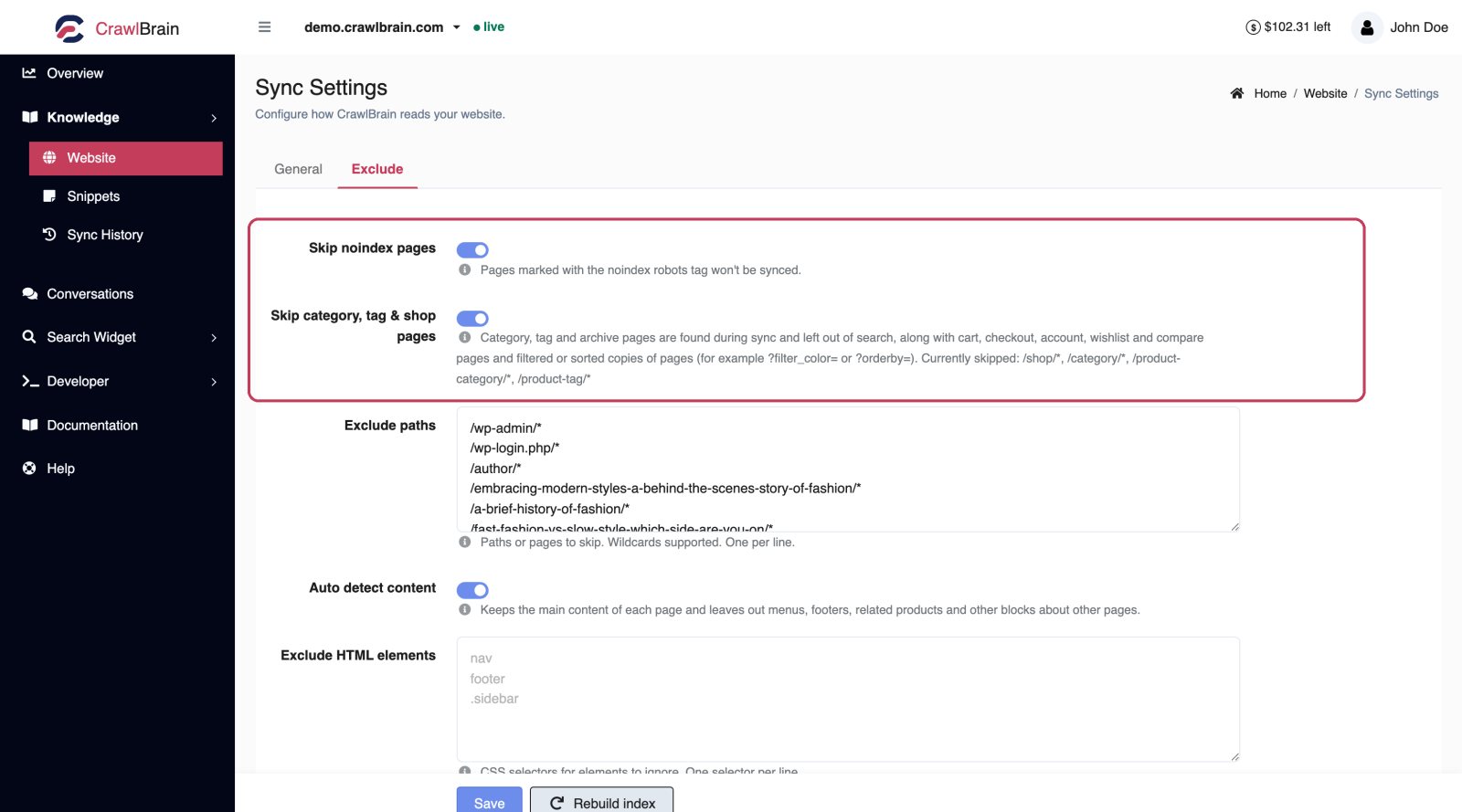

Skip noindex pages
This is on by default, and it should stay on.
If a page carries <meta name="robots" content="noindex"> or an X-Robots-Tag: noindex header, you have already told search engines not to index it. CrawlBrain honours the same instruction.
Exclude paths
List the paths to skip, one per line. Wildcards are supported.
/wp-admin/*
/wp-login.php*
/author/*
/tag/*
/cart*
/checkout*
Good candidates are admin areas, login pages, cart and checkout, tag and author archives, paginated listing pages, and anything with thin or duplicated content. Every page you exclude is one fewer chance for the AI to answer from something irrelevant.
Exclude HTML elements
Enter CSS selectors for page regions to strip before the text is stored, one per line.
The default is nav, header, footer, which keeps your menu and legal footer out of every single page's text. Without it, "Contact us" and "Privacy Policy" appear on all 400 pages and dilute every answer.
Add more when your theme repeats content on every page:
nav
header
footer
.sidebar
.related-posts
.cookie-banner
#newsletter-signup
Running a sync
Open Knowledge → Website for the site and use Sync now at the top of the Pages list.
Automatic syncs run every night. You only need the manual button after you publish something you want answered today.
If a site has had no logins and no widget traffic for 15 days, nightly syncs pause to stop idle accounts burning AI credits. Any widget activity or any login resumes them. You will get an email before it happens.
Stopping a sync
The dropdown next to Sync now has a stop action. Pages already indexed stay indexed, and the rest of the queue is dropped.
Use it if you started a crawl with the wrong settings and do not want to wait it out.